Invite member to a Workspace team
Steps to invite a user to a workspace
Login to AskCodi
Sign in or sign up to AskCodi (https://www.askcodi.com), complete the onboarding process.
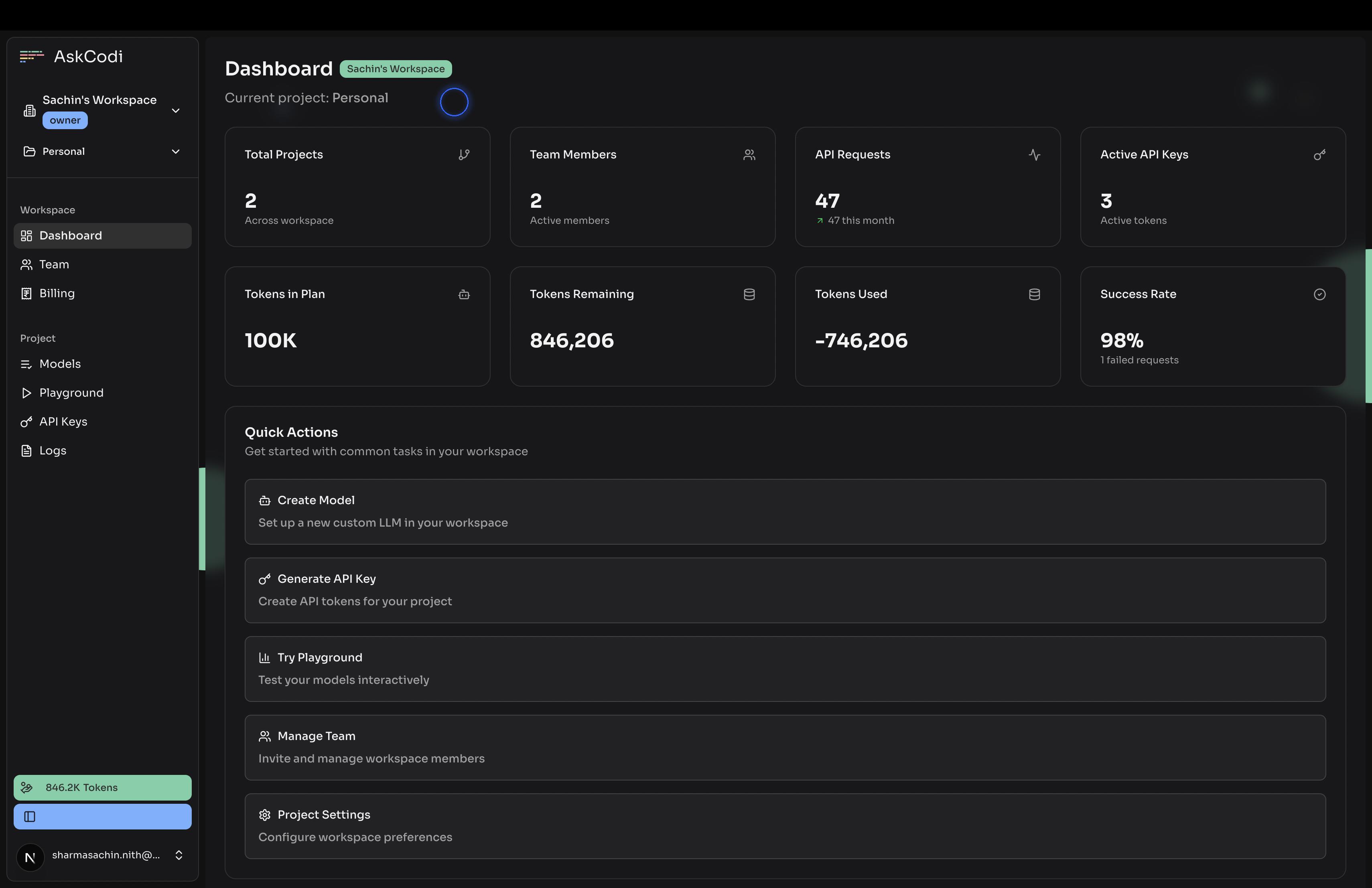
Select the Workspace
Select the workspace (or create a new Workspace) from the Workspace dropdown, for which you want to invite the team member
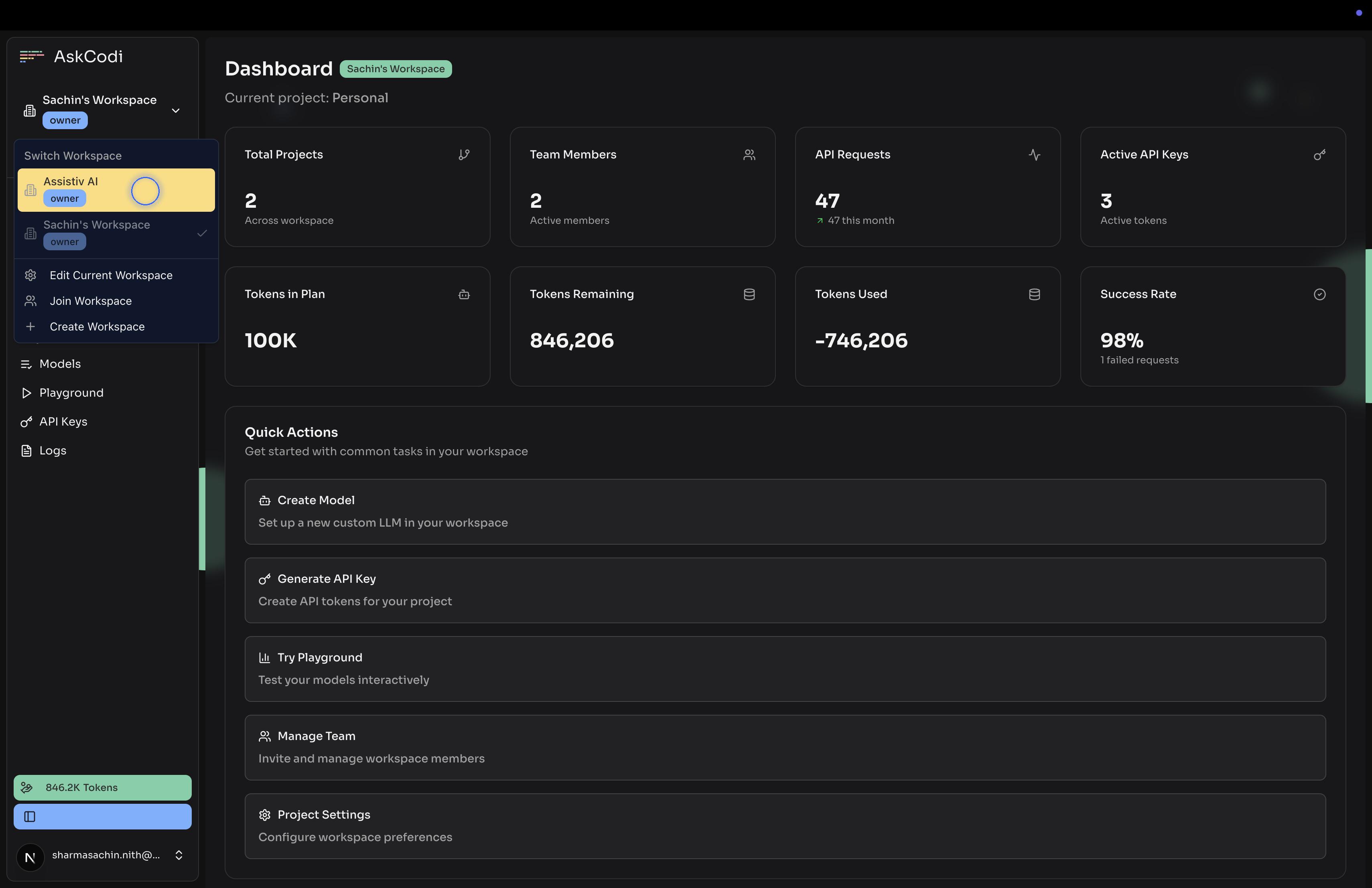
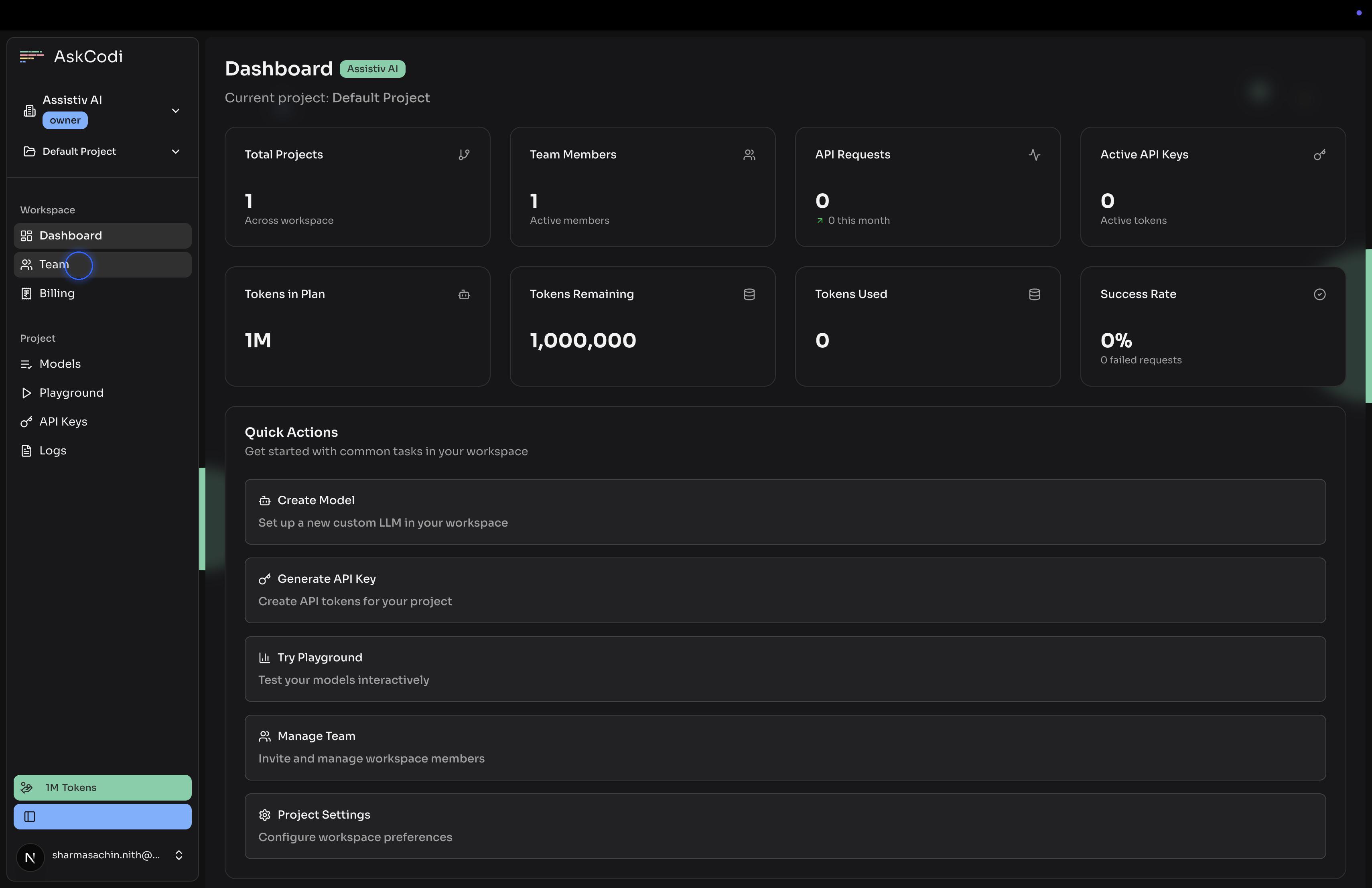
Navigate to Team
Click on Invite Member
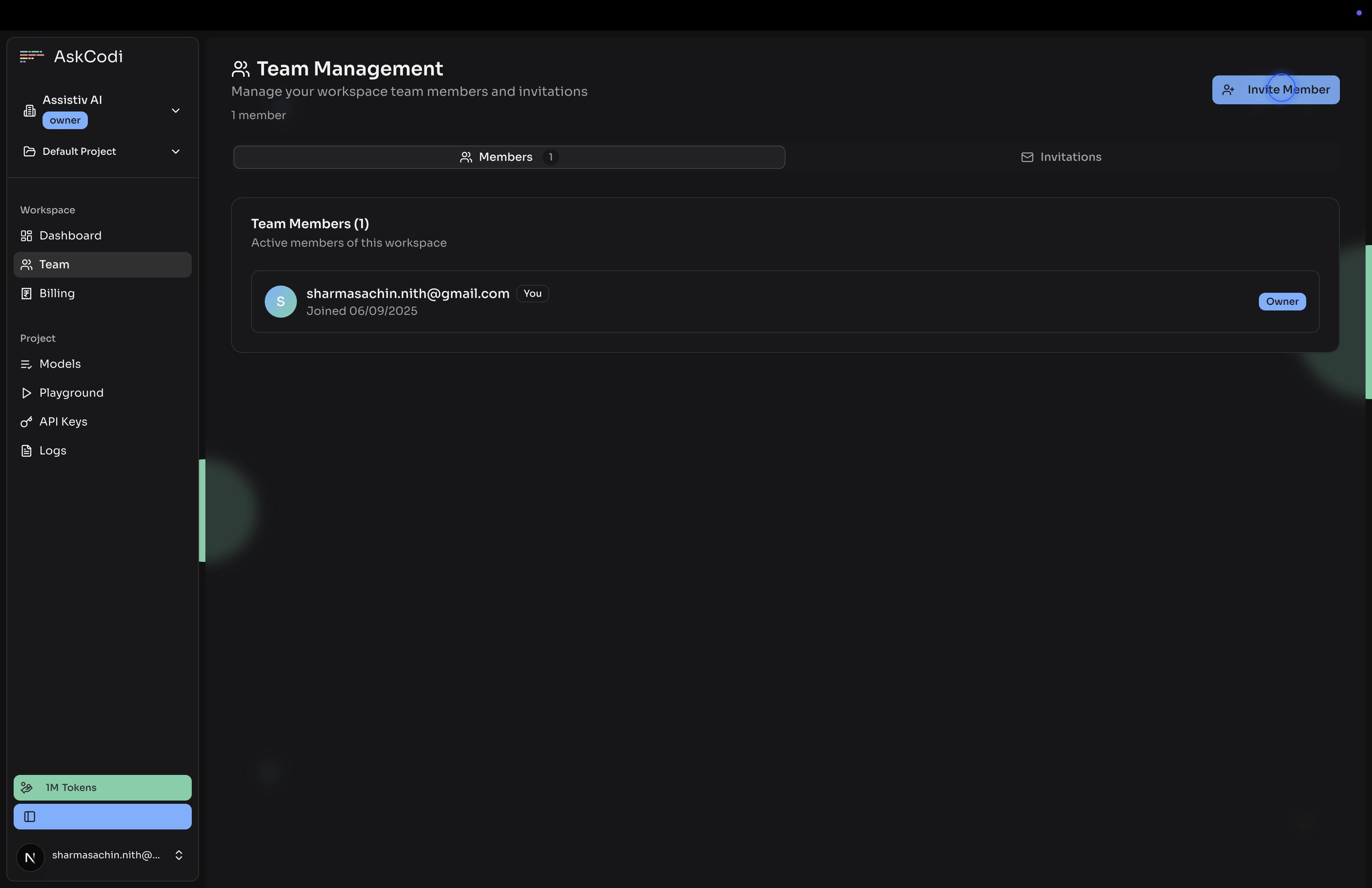
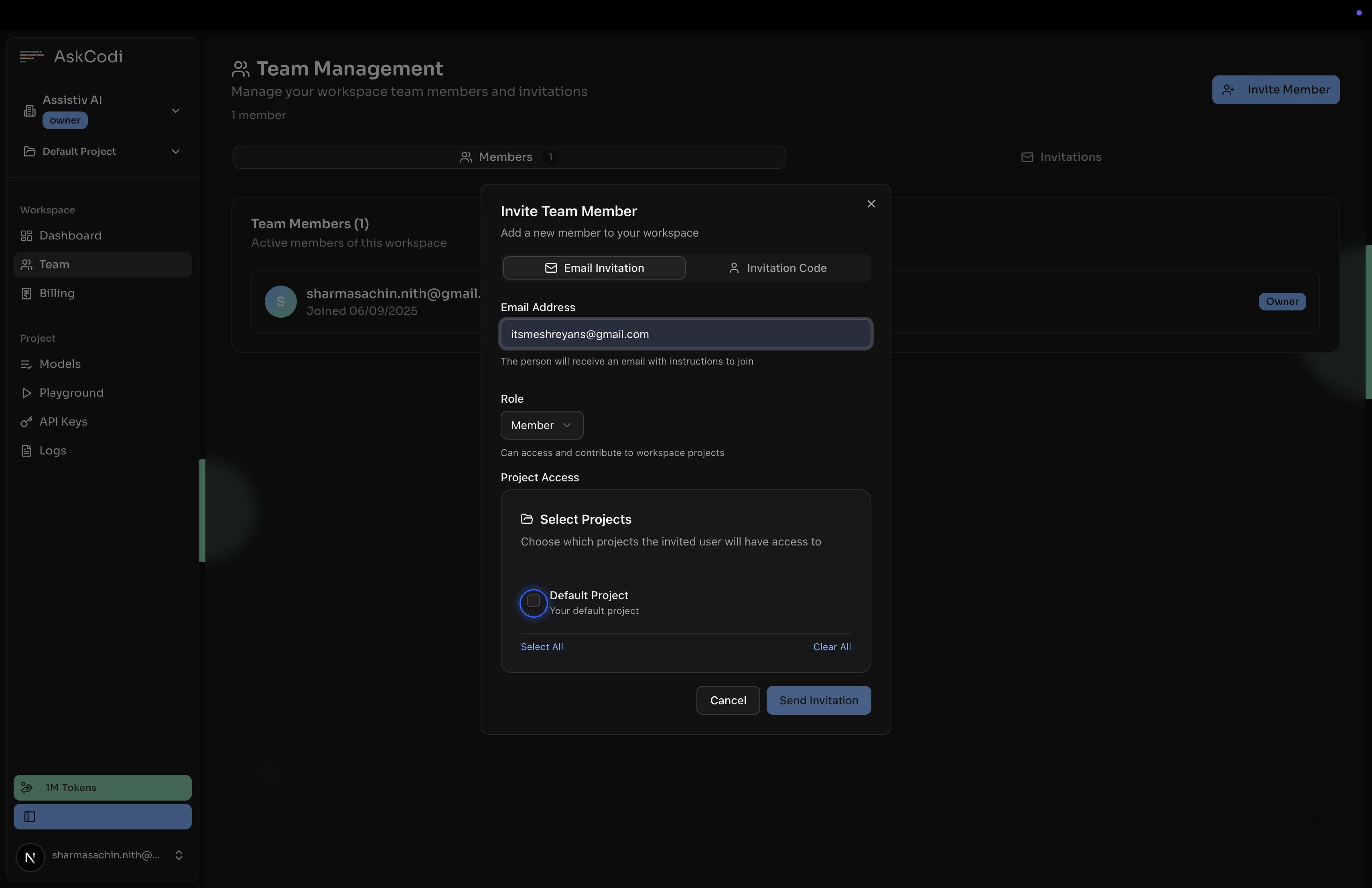
Add the email address to invite
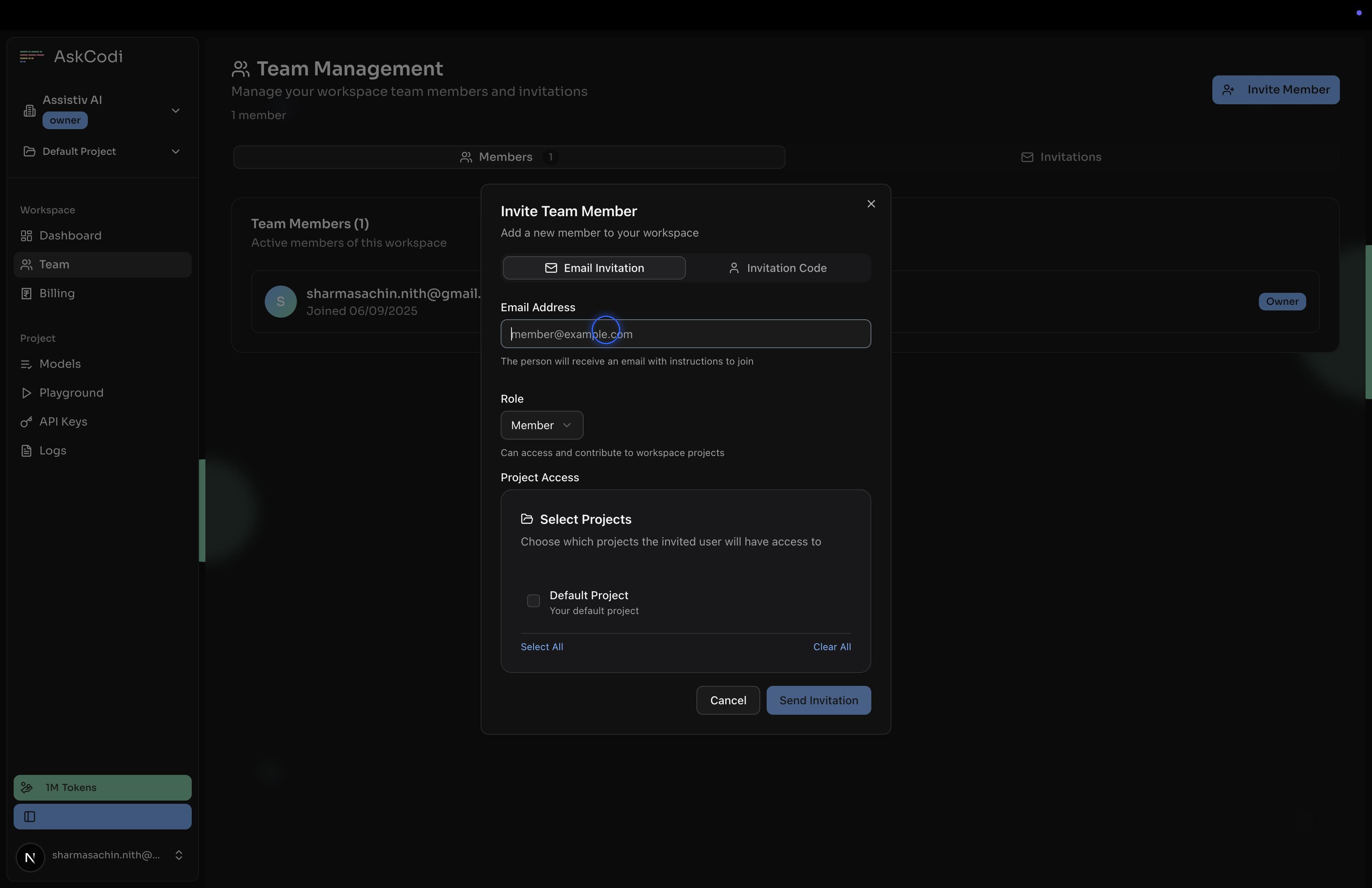
Define Role and Project access
You can invite the team member as an admin or a member and also limit access to certain Projects only
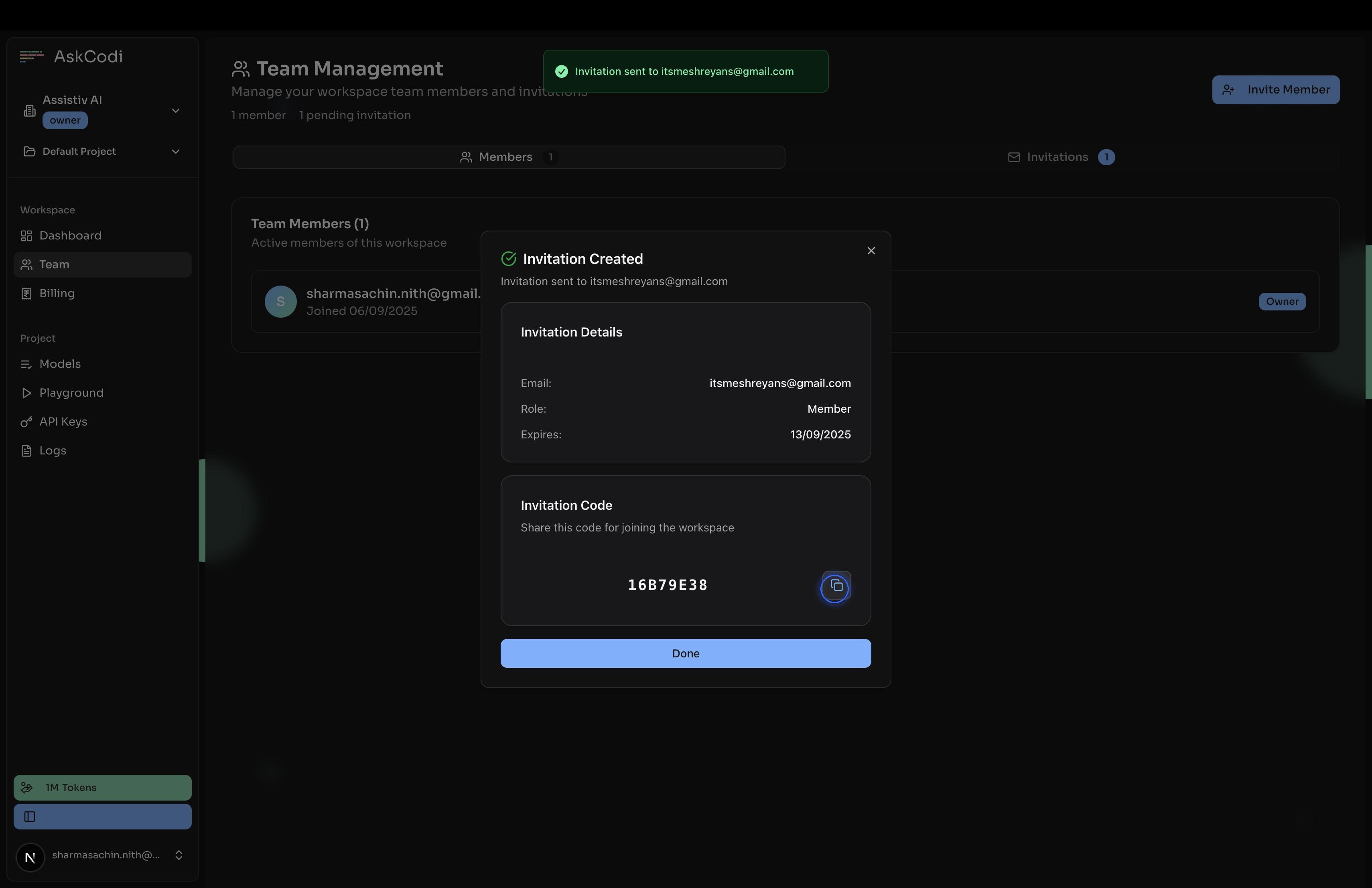
Invitation Code generation
An email will be sent to the invited user with the invitation code. You can also send the invitation code to the user yourself.
Falta algo ou está errado neste guia? Fale connosco