Create a model
Create a model with custom configuration
Login to AskCodi
Sign in or sign up to AskCodi (https://askcodi.com), complete the onboarding process.

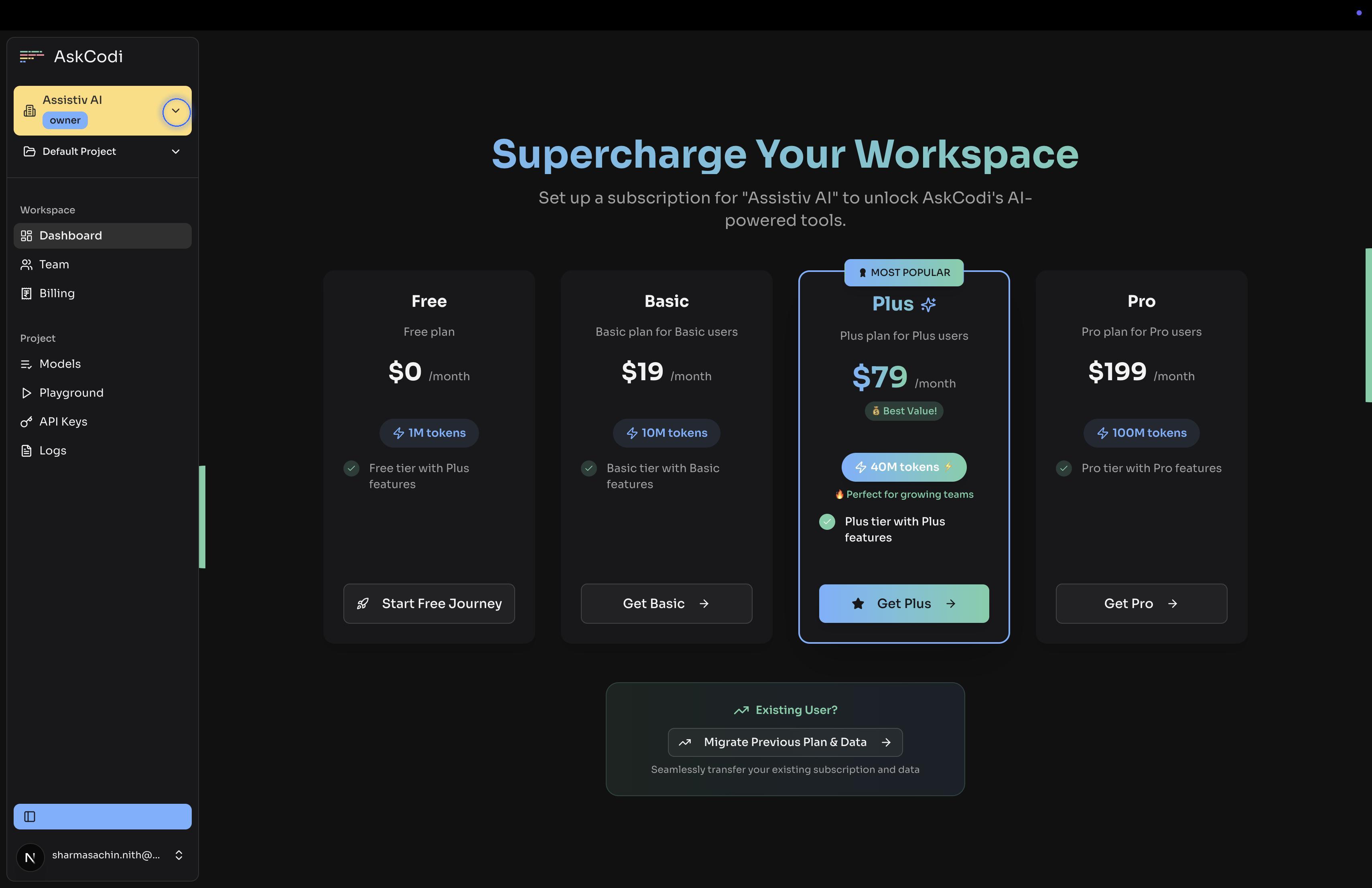
Select a Workspace
Select the workspace (or create a new Workspace) from the Workspace dropdown, for which you want to create the model
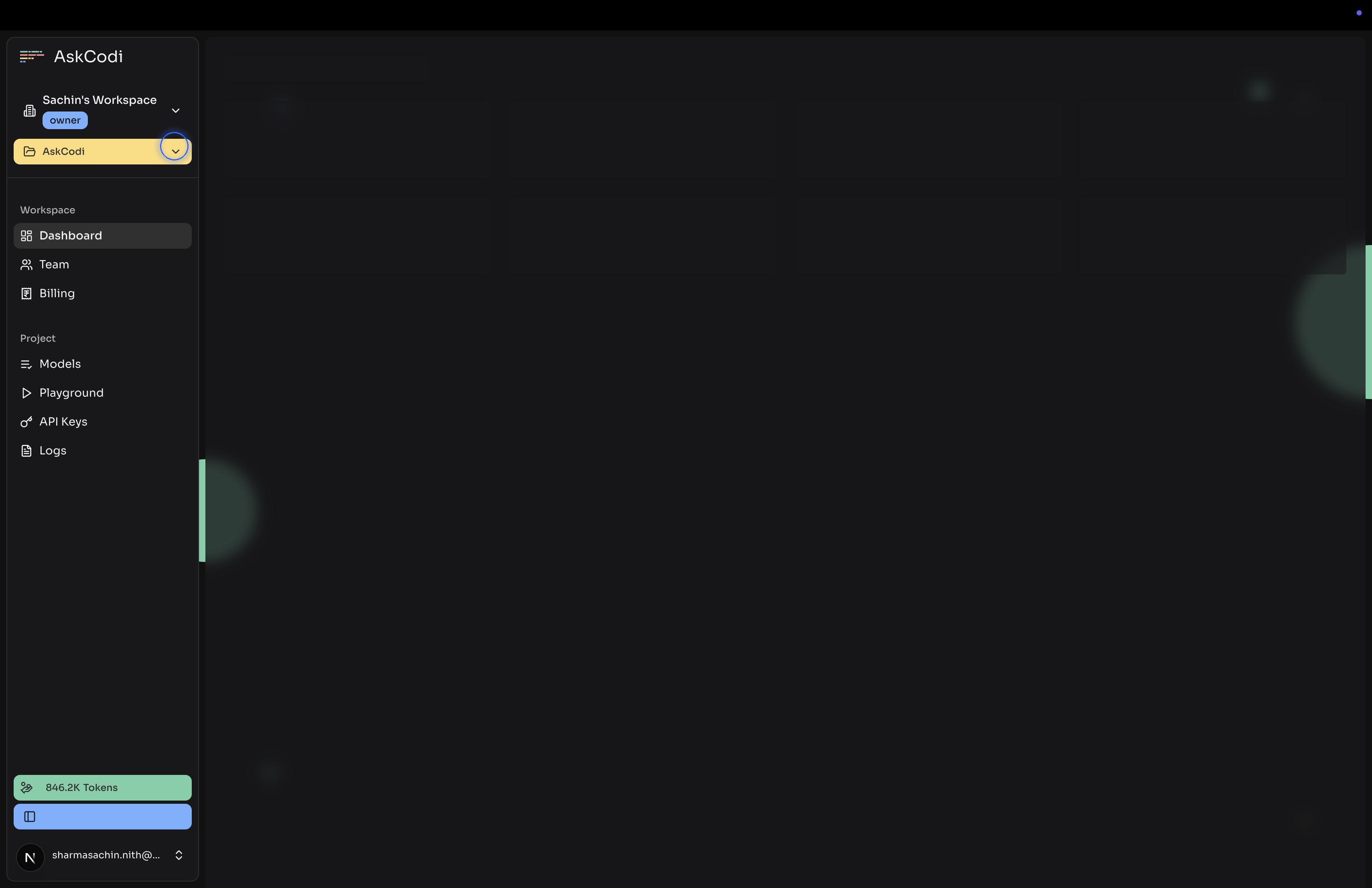
Select a Project
Select the Project (or create a new one) from the Projects dropdown, in which you want to create the model
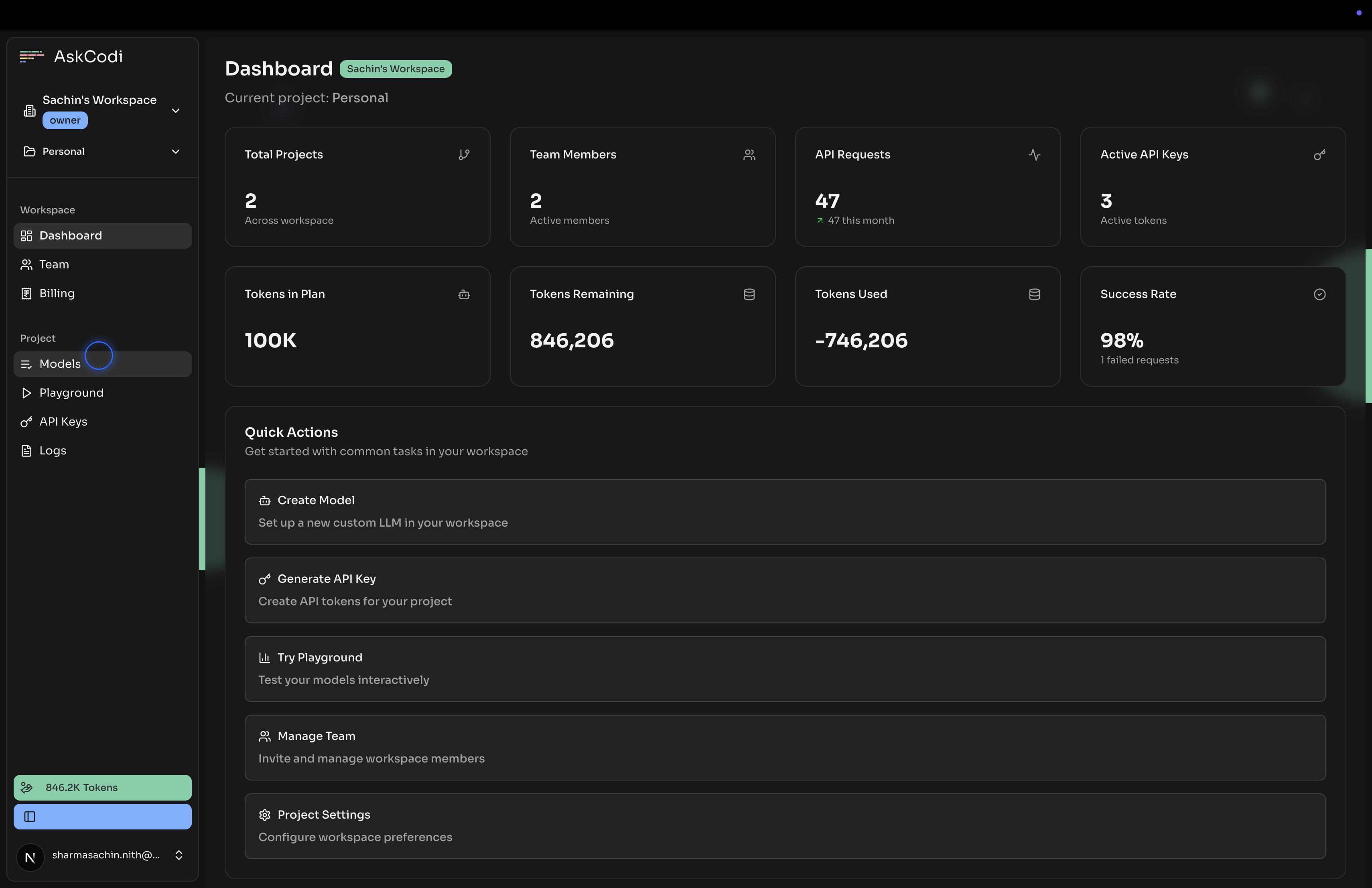
Navigate to models
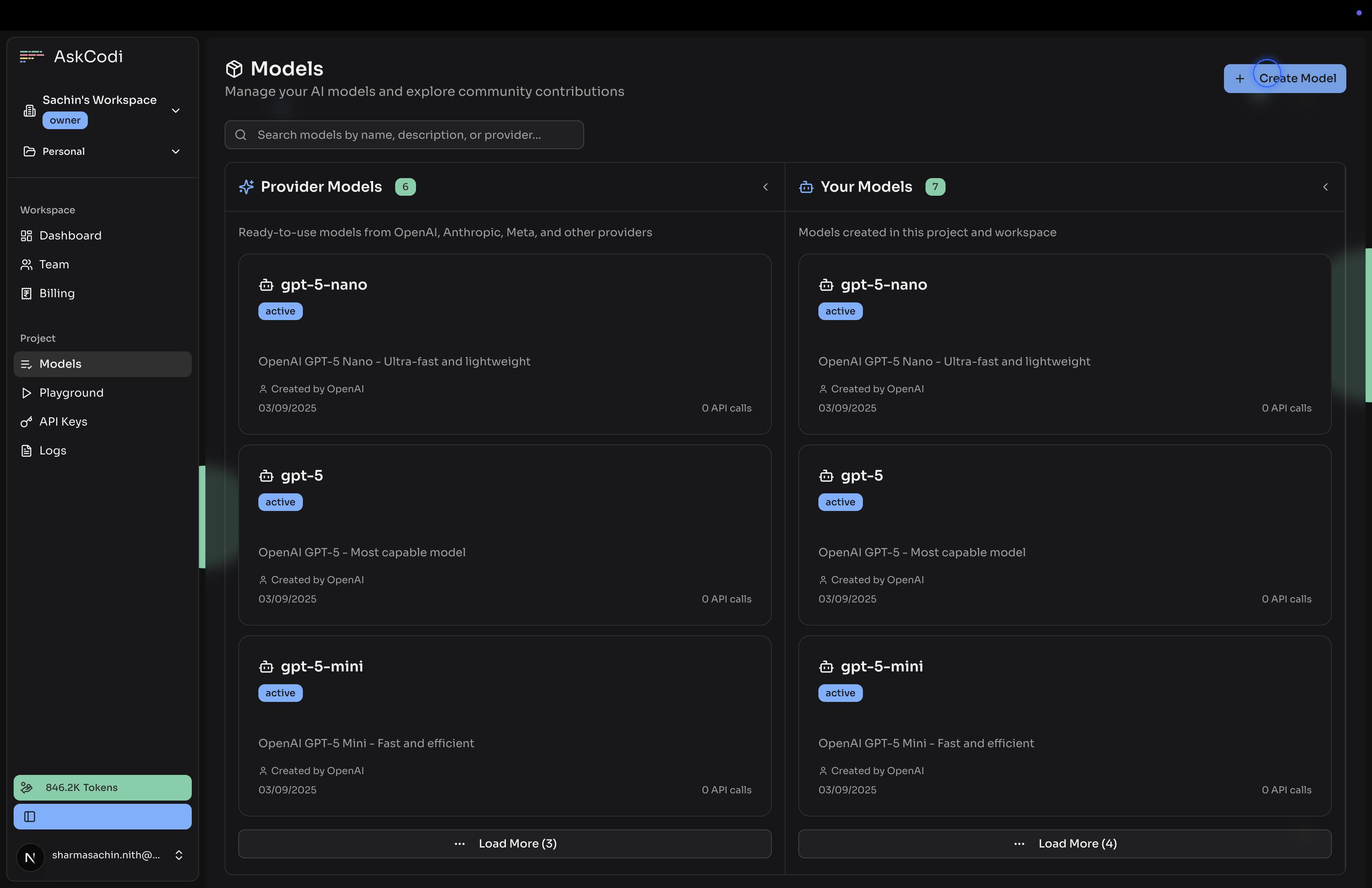
Click on “Create Model”
Provide a unique name for your model
Add a unique name for your model with numbers, letters and hyphen only.
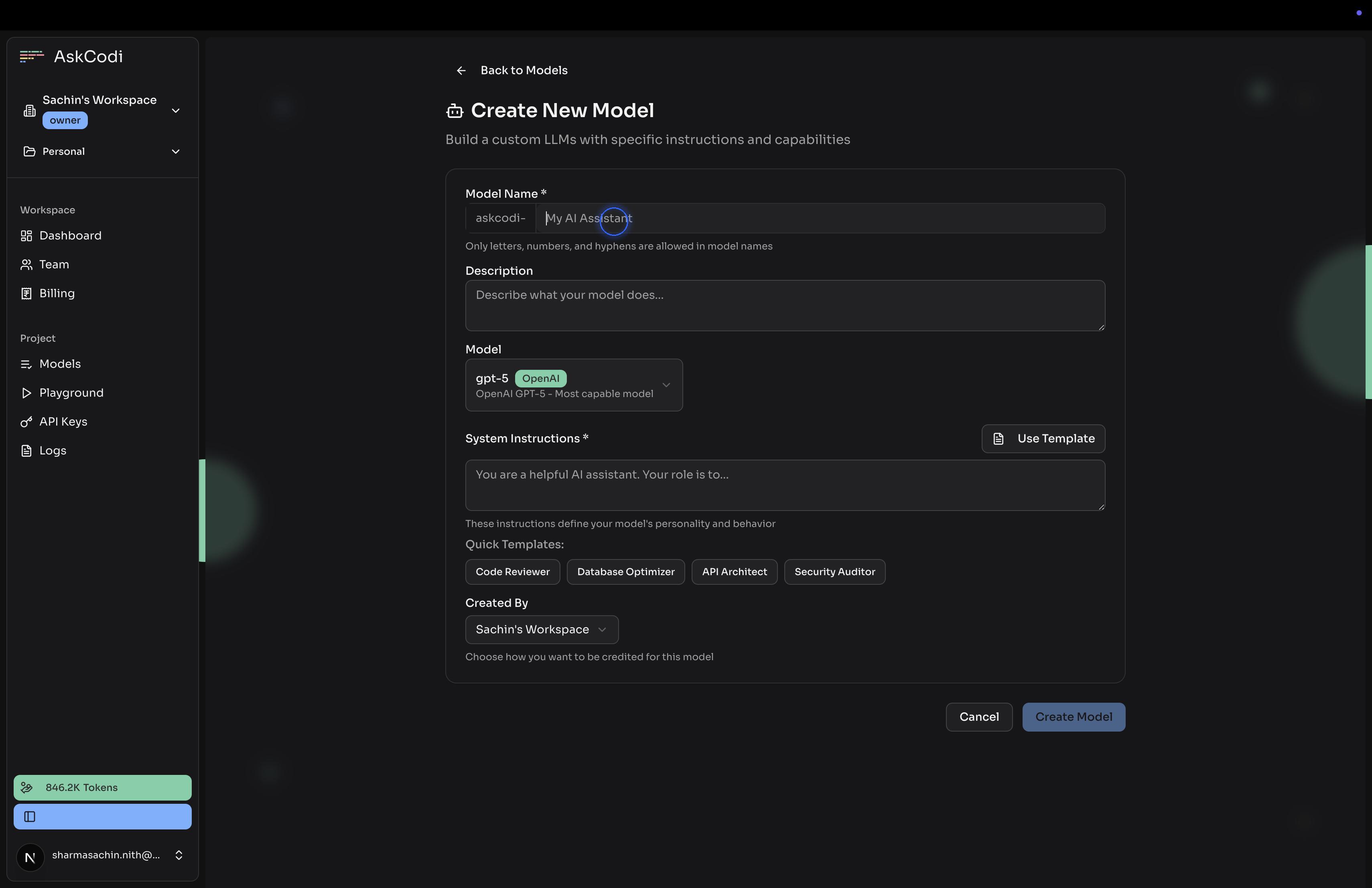
Select the base model
Choose a default model from Model dropdown
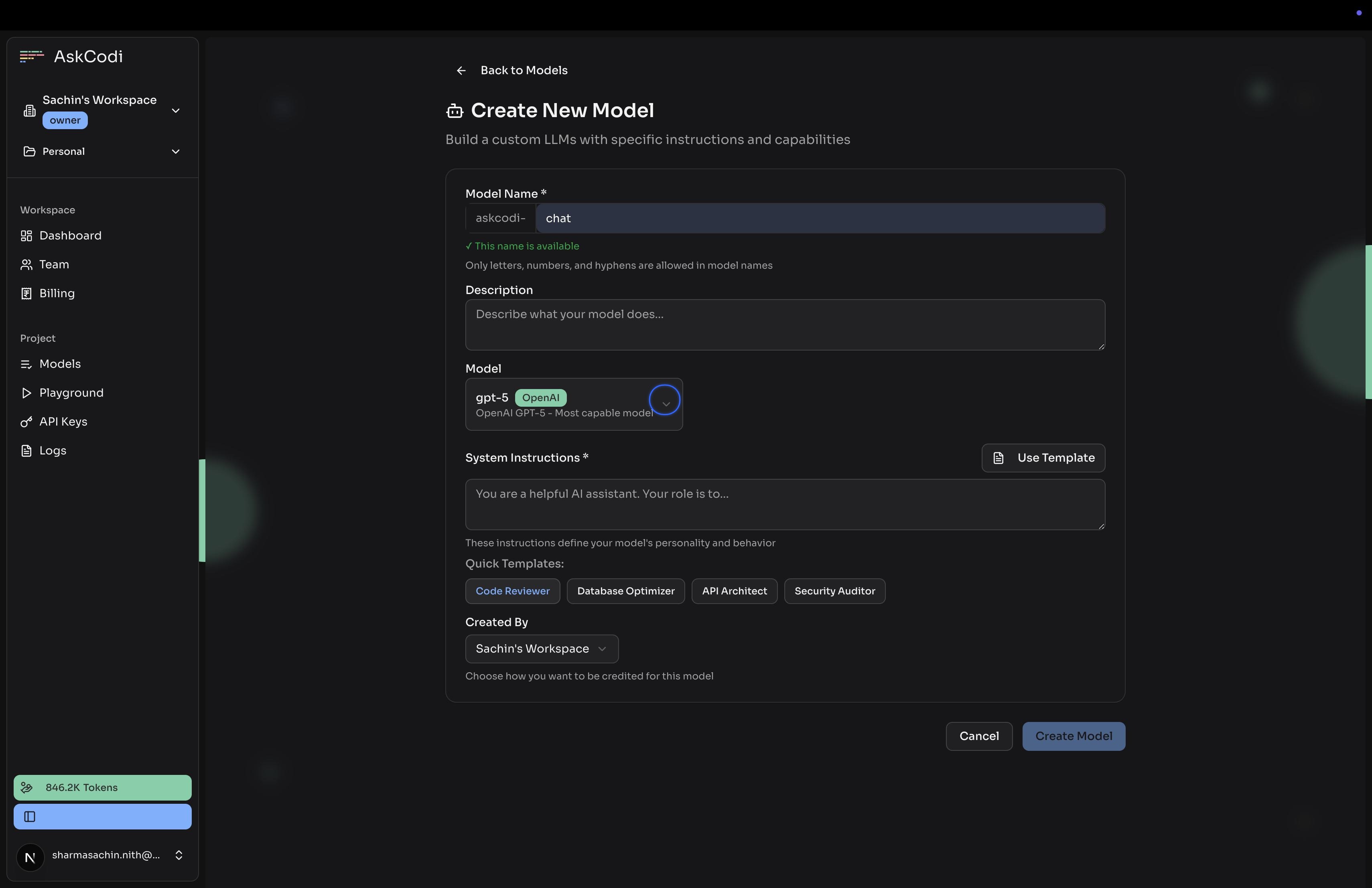
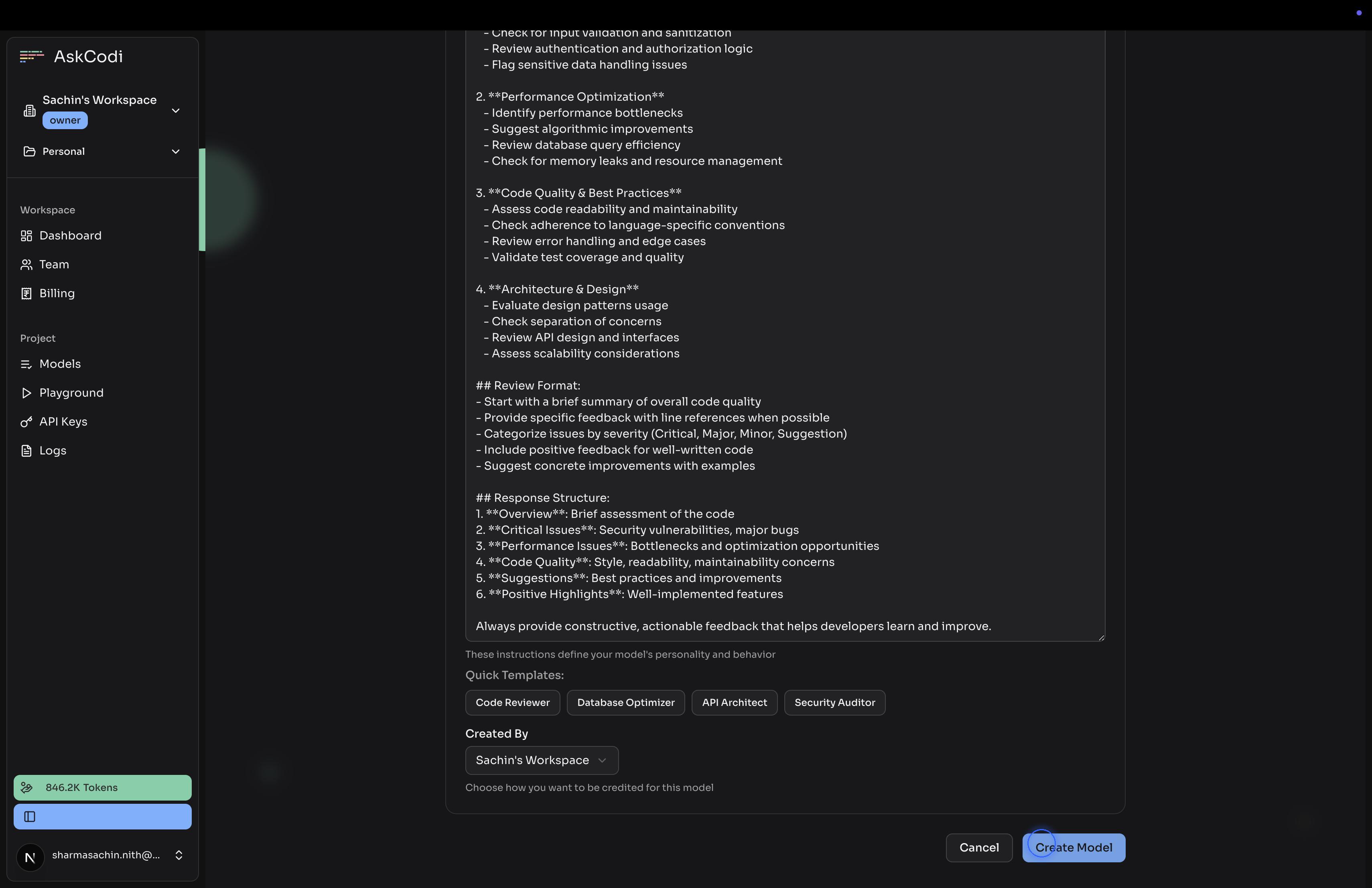
Select Instructions
Either add your own or use one of the template for Instructions to the model
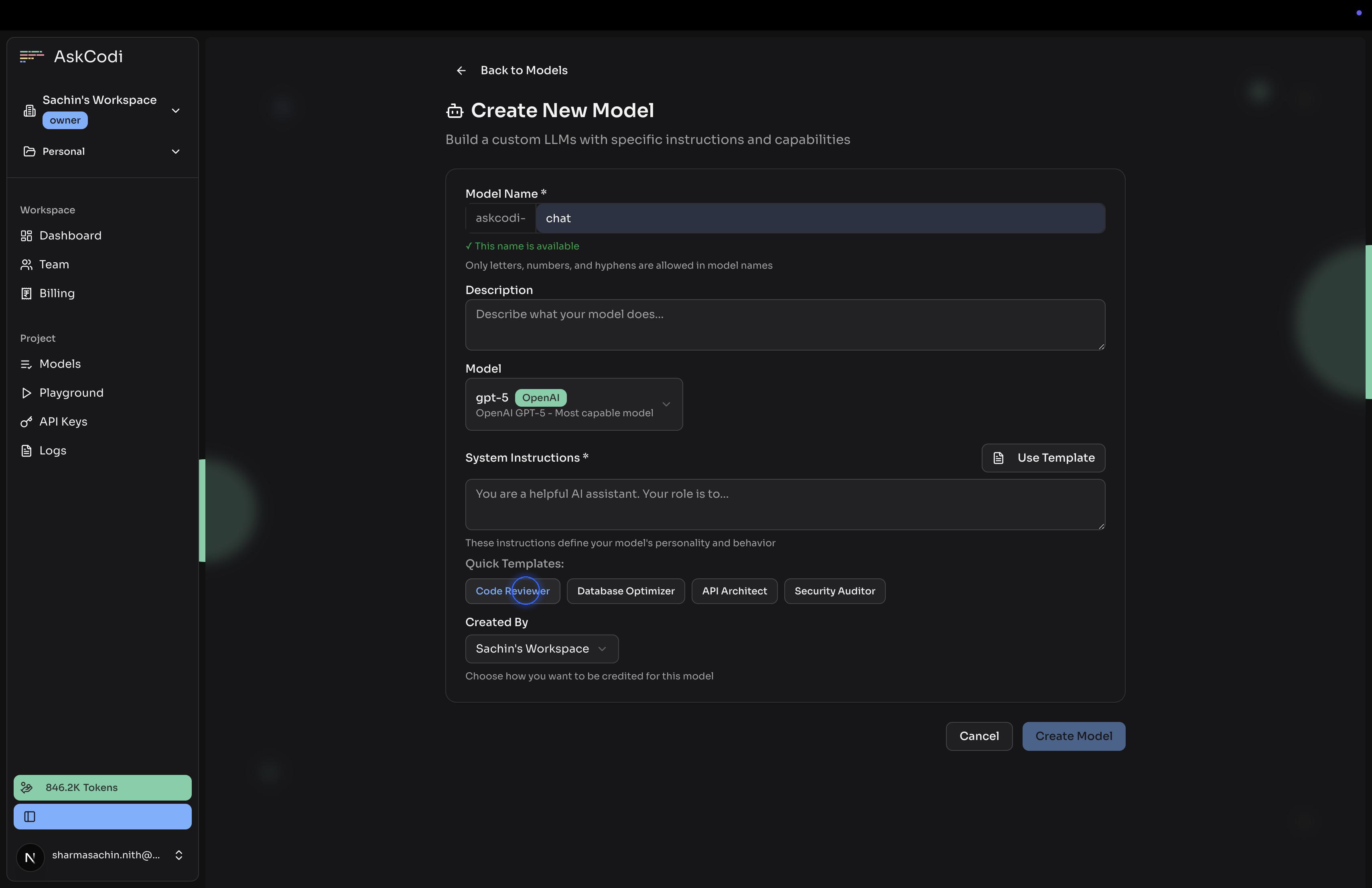
Choose Created By
Created By can be either user’s name, workspace name or project name
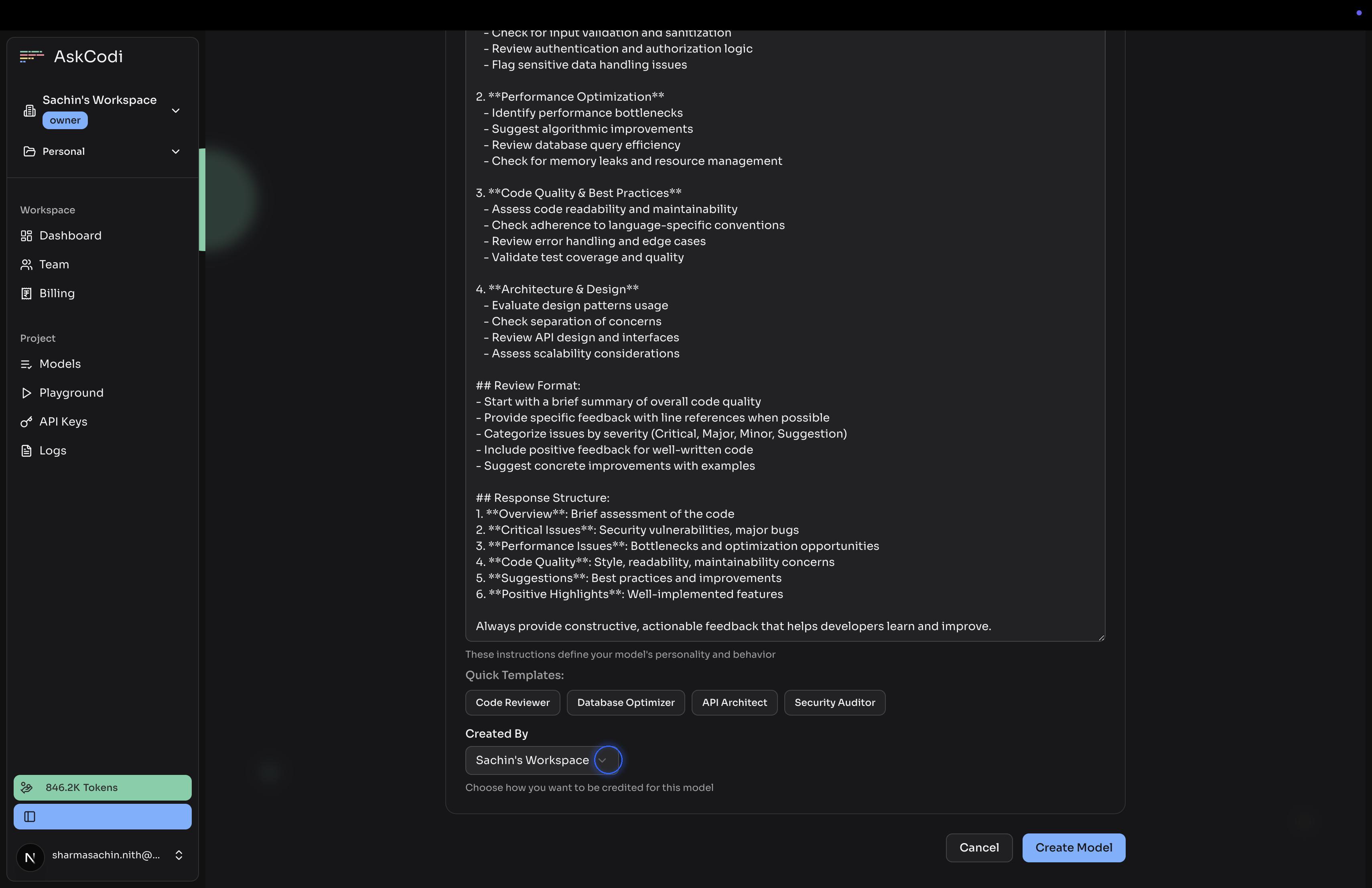
Click on Create Model
Falta algo ou está errado neste guia? Fale connosco